January 19th, 2026
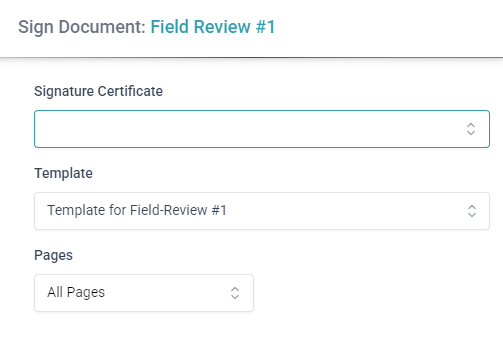
Improved document signing
Stackd now supports signing via ConignO for most documents.
Add signing to Letters, Assessments, Schedules, Site Instructions, and most other documents
To get started, open a completed document and under “More actions” click on “Sign Document with ConsignO”
Some documents require a placeholder for the seal/stamp to be added when completing the document. This option will show up in the PDF options when completing the document. Instead of using the default signature, change the signature option to placeholder and the document will be signable after completion.
For signing Schedules you will need to setup a Document Signing Template with the signature zones. These can be imported from ConsignO desktop. For more information check out the user guide.
Documents are signed using your default signature and stamp on your user profile section under “Signatures, Stamps & Initials”
Allow multiple users to sign the same document if there are multiple seal placeholders/sections
Document Signing Templates and Prefilled Templates have been pre-populated with commonly used defaults
Feel free to delete any that are not relevant